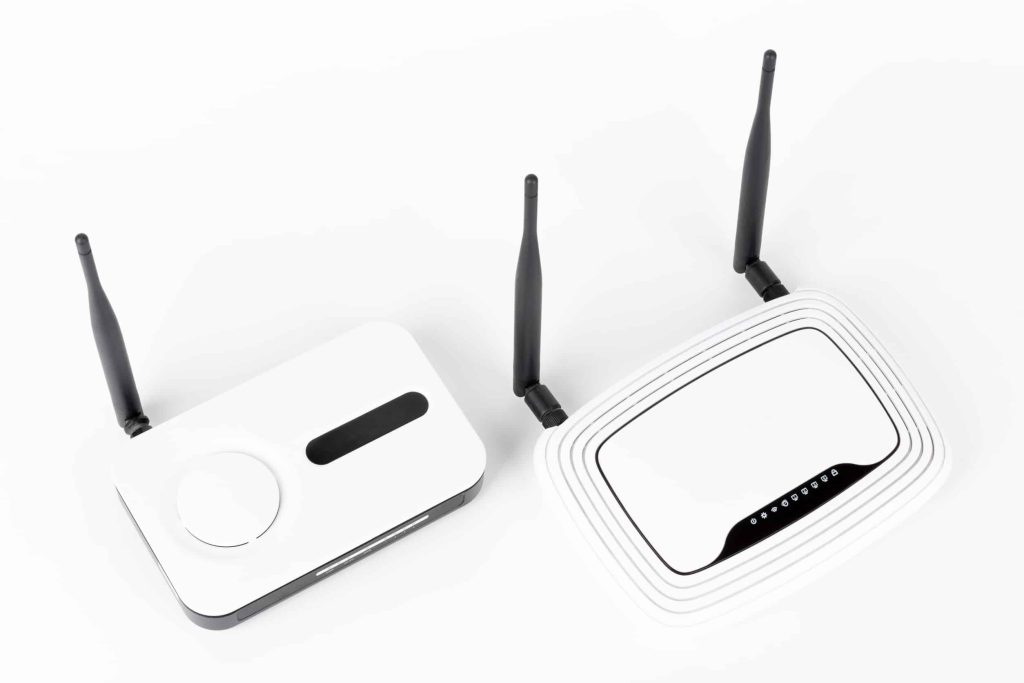
Have you ever wondered, “Can you have two modems in one house?” You’re not alone. This blog post explores the benefits and how-to of connecting multiple modems in a single home. Read on to find out more.
Key Takeaways
- Before setting up two modems in your home, check with your ISP to see if they allow them. This is key to avoiding breaking any service agreements.
- Placing modems strategically ensures better coverage and stronger signals throughout the house, enhancing the internet experience.
- Connecting both modems to a router properly and configuring network settings are important steps for efficient operation.
- Having two modems can increase internet speed and reliability. Still, it may also lead to higher costs due to additional subscriptions and equipment needed.
- Testing each modem’s performance after setup helps identify any issues early, ensuring a smooth internet connection from both sources.
How to Connect Two Modems in One House
First, to set up two modems in one house, check if your Internet Service Provider supports multiple connections. Then, place each modem in the optimal location for a strong signal and connect them to a router properly.
Determine compatibility with ISP
Check if your internet service provider (ISP) allows multiple modems in one household. Some ISPs permit you to use two modems on one account, while others may not. Review the terms of your ISP’s policies before making any decisions.
Contact your ISP for specific guidance on setting up two internet providers in one home. They might provide insights about compatible equipment and installation procedures. Ensuring compatibility with the ISP is crucial for using two modems effectively in a single residence.
Find the best location for each modem
Finding the right spot for each modem is crucial. Place one modem in a central location to maximise coverage. Avoid corners or enclosed spaces that can weaken signals. Position the second modem where internet demand is high, like near a home office or entertainment area.
Ensure both modems are away from heavy electronics that might cause interference. The goal is strong WiFi throughout your house. Use test devices to assess signal strength in various rooms after installation.
Adjust as needed for optimal performance with two modems in one house.
Connect to the home router
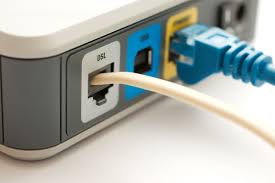
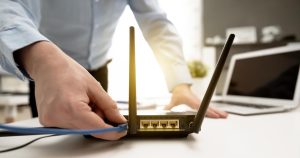
To connect two modems in one home, you will need to link each modem to your main router. First, use an Ethernet cable for a stable connection. Plug one end into the modem and the other into an available router port.
Next, configure the network settings correctly. This process ensures that both modems can operate efficiently within your household.
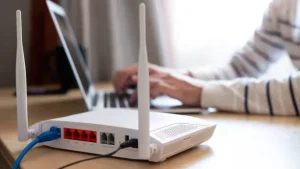
Once you’ve connected them, check if both modems appear on your network interface page. You may have to log into each modem’s admin panel to refine their settings as needed. Using two routers in one household allows greater flexibility and coverage across larger spaces or multiple floors in your residence.
Configure router
After connecting to the home router:
- Configure it to manage both modems effectively.
- Access the router’s settings through a web browser.
- Enter the router’s IP address and log in with your credentials.
If desired, set up separate networks for each modem. This allows you to use two different internet connections in one house without interference.
Next, adjust the network names and passwords for easy identification. Ensure that devices connect to their designated networks based on signal strength or usage needs. Before finalising changes, check that both modems work seamlessly with your configuration.
Testing is crucial when using two modems in a single residence to confirm everything operates smoothly.
Test modems
Testing the modems ensures both work properly. Start by connecting a device to each modem. Check the internet speed on both connections. Use online tools for accurate results. Compare these speeds with your ISP’s advertised rates.
Look for issues like slow connections or frequent drops. These problems may arise when using two modems in one house. If everything runs smoothly, enjoy the benefits of having two separate internet connections in one residence.
Pros and Cons of Having Two Modems in One House
Using two modems in one house offers faster speeds and better reliability. Yet, it can lead to higher costs and the need for more equipment.
Increased speeds and reliability
Two modems in one house can significantly boost your internet speeds and reliability. With multiple internet connections, each modem can handle its share of the bandwidth. This setup often leads to faster downloads and smoother streaming for everyone in the household.
Two separate internet connections also improve overall reliability. If one modem experiences issues, the other can still provide a stable connection. This flexibility ensures that you stay online even during outages or maintenance periods from your ISP.
Flexibility and convenience
Using two modems in one residence provides flexibility and convenience for users. Different rooms can easily connect to separate networks, allowing family members to enjoy high-speed internet without interruptions.
Each modem can serve distinct areas, ensuring strong signals throughout the house.
Setting up multiple modems in one location means you can effortlessly switch between different internet providers. This dual approach enhances connectivity while catering to varying needs within your home.
Switching services becomes straightforward, giving you options based on speed and reliability preferences.
Higher costs
Having two modems in one house can lead to higher costs. Each modem typically requires a separate subscription with your Internet Service Provider (ISP), which means paying for two internet connections in one household.
Additional equipment also increases expenses. You might need extra routers or wireless access points for effective coverage. These added costs can make maintaining multiple modems on one account less appealing, especially if you already have a connection that meets your needs.
Additional equipment
Two modems often need extra equipment to function properly. You might require additional cables, splitters, and power adapters. If you are using cable internet, each modem needs a coaxial cable.
A splitter divides the signal so both modems can connect without issue.
Using two wireless routers on different networks in one house also helps manage traffic effectively. Ensure each router has its own IP address range for easy identification of devices connected to your network.
Investing in these items is essential when using multiple modems on one account or connecting two modems in one home.
Considerations before installing a second modem
Installing a second modem in your home requires careful thought. First, check whether your Internet Service Provider (ISP) allows multiple modems on one account. Some ISPs permit this, while others do not.
Consider the costs involved, too. Having two internet connections means paying for double the service.
Placement matters as well. Choose locations that optimise coverage throughout your house. Each modem should connect to ensure strong signals everywhere. Planning helps avoid conflicts between modems and their routers, especially if you use two wireless routers on different networks in one house.